Guestlist Manager1.0.1
Publisher Description
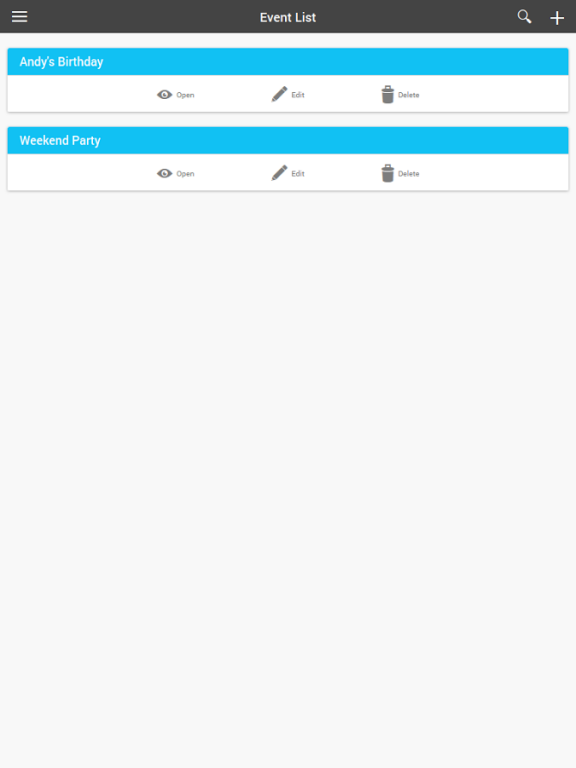
Manage the guest list for your event (wedding, birthday party, etc.) with ease. Multi-purpose color tag can be used for grouping people you invite (family, friend, etc.), or anything that suits your need. Guest list can be saved as a text or CSV file so you can open, edit, or print it on your computer
Feature:
- Unlimited events to manage
- Custom fields. You can add additional information of your guest (Company, Class, Group, etc.)
- Auto-capitalizing name.
- Save as CSV or Plain Text
*IMPORTANT NOTE*
Contact me if you have trouble with this app, I'll responds ASAP.
While I always do my best to develop this app, it is impossible to guarantee it will run flawlessly on every android device. So please test it on your device first before you use it on real events, and if it not working as it intended on your device, I really appreciate it if you contact me about the problem before you write it bad review.
About Guestlist Manager
The company that develops Guestlist Manager is Deuxvelva. The latest version released by its developer is 1.0.1.
To install Guestlist Manager on your Android device, just click the green Continue To App button above to start the installation process. The app is listed on our website since 2015-01-23 and was downloaded 7 times. We have already checked if the download link is safe, however for your own protection we recommend that you scan the downloaded app with your antivirus. Your antivirus may detect the Guestlist Manager as malware as malware if the download link to com.deuxvelva.guestlistmanager is broken.
How to install Guestlist Manager on your Android device:
- Click on the Continue To App button on our website. This will redirect you to Google Play.
- Once the Guestlist Manager is shown in the Google Play listing of your Android device, you can start its download and installation. Tap on the Install button located below the search bar and to the right of the app icon.
- A pop-up window with the permissions required by Guestlist Manager will be shown. Click on Accept to continue the process.
- Guestlist Manager will be downloaded onto your device, displaying a progress. Once the download completes, the installation will start and you'll get a notification after the installation is finished.
